
Independent homeowner field guide
How to Maintain a Heat Pump: Safe Monthly and Seasonal Checklist
Use a safe monthly and seasonal heat-pump maintenance routine, know what to record, and recognize when to stop and call a professional.
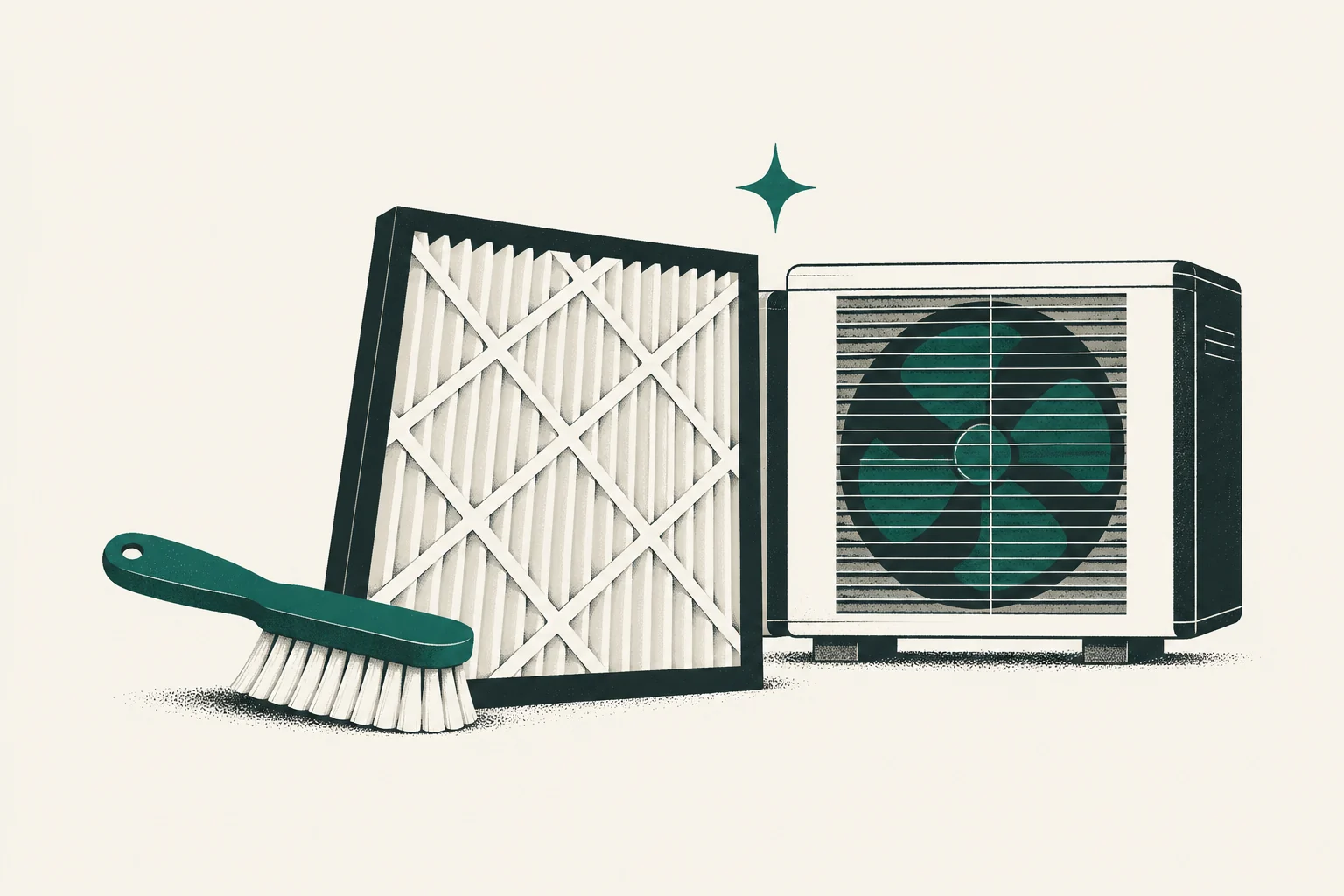
Learning how to maintain a heat pump starts with a short list of homeowner-safe checks: keep the filter and airflow path clear, keep the outdoor unit unobstructed, use controls consistently, watch drainage, and retain service records. Internal electrical, refrigerant, combustion, and diagnostic work belongs with qualified professionals.
Always follow the exact manufacturer manual for your equipment. This general checklist cannot override product instructions, warranty terms, climate conditions, or a contractor’s project-specific plan.
Difficulty: Beginner homeowner inspection only
Estimated time: 10–15 minutes for a routine visual check; filter work and seasonal review vary by equipment
Prerequisites: Equipment manuals, safe exterior access, and a qualified service contact for anything beyond the listed homeowner tasks
For the general filter and service context, see ENERGY STAR’s air-source heat-pump guidance; the exact manual remains the procedure to follow.
Quick maintenance schedule
| Frequency | Homeowner-safe check | Call a professional when |
|---|---|---|
| Monthly during heavy use | Inspect filter indicator/condition and unusual changes | Filters soil unusually fast, airflow remains weak, or a fault returns |
| After storms or yard work | Check outdoor clearance and visible damage from a safe distance | Unit is damaged, flooded, iced abnormally, or has a line/electrical issue |
| Seasonally | Review thermostat, drains visible without opening equipment, bills, noise, and records | Operation, drainage, comfort, noise, or energy use changes materially |
| At manufacturer/contractor interval | Arrange professional inspection/service | Never replace prescribed service with visual homeowner checks |
Do not use one universal filter or service interval. Runtime, filter type and area, pets, smoke, dust, construction, occupancy, and manufacturer instructions change the schedule.
What you need
- The indoor and outdoor equipment manuals
- The installed filter’s exact dimensions and specified type
- A maintenance log or phone note with dates and observations
- A flashlight for external visual checks
- A soft cloth for accessible control surfaces
- The installer or qualified service provider’s contact information
You do not need gauges, electrical meters, refrigerant tools, coil chemicals, or access to energized internal components for this homeowner routine.
Step 1: Read the equipment-specific instructions
Record the full model and serial numbers for the outdoor unit, indoor unit or air handler, thermostat/control, and backup heat. Find the manuals provided at handoff or retrieve them from the manufacturer’s official site. If the handoff was incomplete, review the records listed in what to expect during heat-pump installation.
Identify:
- the specified filter size, type, and inspection instructions;
- required outdoor clearances;
- normal display icons, defrost behavior, and fault indicators;
- homeowner-cleanable components, if any;
- the professional service interval;
- warranty registration and maintenance-record requirements.
Success looks like: one page or note that identifies the filter, safe homeowner tasks, service contact, and next scheduled check.
Step 2: Inspect the filter and airflow path
A dirty or unsuitable filter can restrict airflow. Locate the correct filter rack or return grille and follow the manual’s removal and replacement instructions. Turn the system off at the control if the instructions require it; never reach into moving or energized equipment.
Check that the replacement matches all three dimensions and the airflow-direction marking. A higher MERV rating is not automatically better for every system because pressure drop depends on filter area, construction, airflow, and the equipment/duct design. Use the air-filter fit and system-capability guide before comparing product listings.
The current ENERGY STAR air-source heat-pump guidance advises cleaning dust filters when visibly dirty or when the filter indicator calls for it. Central systems may use replaceable media rather than washable filters, so the manual controls.
Call for help when: the filter collapses, will not fit or seal, becomes wet, shows suspected microbial growth, soils rapidly, or airflow remains poor after correct replacement.
Step 3: Keep indoor air paths open
Do not block supply registers, return grilles, wall-mounted indoor units, floor consoles, or ceiling cassettes with furniture, curtains, boxes, or decorations. Keep access panels and filter doors reachable.
Avoid closing many registers to “push” air elsewhere unless the system was designed and commissioned for that control strategy. It can change pressure and airflow. Persistent room imbalance needs a duct, load, zoning, or control assessment—not improvised blockage.
For ductless units, clean only the accessible parts the manual assigns to the homeowner. Do not disassemble the blower, drain pan, electrical compartment, or refrigerant components.
Step 4: Inspect the outdoor area safely
From outside the equipment, check for leaves, grass, trash, vegetation, snow, roof runoff, or stored items that reduce clearance. Follow the manufacturer’s required distances; do not invent a universal clearance.
Use hand tools only as safely appropriate for surrounding landscaping—not on the equipment. Never insert an object through the grille, bend fins, open panels, or spray electrical components. Keep children and pets away from the unit.
In winter, light frost followed by a defrost cycle can be normal. Shut the system down only as directed and call for service if ice becomes persistent or severe, the fan is obstructed, the cabinet is damaged, or water repeatedly freezes into a hazardous condition.
Step 5: Watch condensate and defrost water
Cooling and dehumidification create indoor condensate. Defrost creates water at the outdoor unit. Learn the normal drain locations during handoff.
Visually check accessible terminations for new leakage, staining, overflow, blockage, or ice. Do not open equipment or use harsh chemicals unless the manufacturer specifically assigns that procedure to the homeowner.
Water near indoor equipment, an active overflow switch, ceiling staining, repeated pump noise, or a stopped condensate pump deserves prompt service. Protect property safely, but do not bypass a safety switch to keep the system running.
Step 6: Use the thermostat consistently
Confirm the control is in the intended Heat, Cool, or other manufacturer-recommended mode. “Auto” changeover may be useful in some designs but can cause unwanted mode switching in others. Follow the handoff settings.
Large temperature setbacks can trigger auxiliary heat during recovery in some systems. That does not make every setback wrong, but it means settings, controls, rates, and comfort should be considered together. Do not change installer-level staging, lockouts, balance points, or refrigerant-related parameters without understanding the design.
Replace control batteries if the manual calls for them. Record settings before resets or app changes.
Step 7: Track changes, not only failures
Once a month during heavy-use seasons, note:
- filter condition;
- thermostat settings and displayed alerts;
- unusual sound, vibration, or odor;
- rooms that are newly uncomfortable;
- frequent auxiliary or emergency-heat indication;
- outdoor obstructions or abnormal ice;
- condensate changes;
- utility use and billing period.
Compare energy use as well as dollars. Rates, billing days, weather, estimated meter reads, and household behavior can change a bill without a system fault. A sudden operational change still deserves investigation.
Step 8: Schedule qualified professional service
Professional maintenance addresses components and measurements that homeowner checks cannot. The scope should follow the manufacturer and the installed system. It may include electrical connections, controls, airflow, coils, drains, blower, refrigerant-circuit observations, auxiliary heat, and operating performance. The original installation and commissioning evidence gives the technician a useful baseline.
Ask for findings and measured results in writing. If refrigerant work is needed, federal Section 608 rules apply; see the EPA technician-certification requirements.
Professional service is especially important after a fault, flood, impact, repeated freeze-up, major construction dust, or a material change in comfort or energy use.
Check warranty maintenance separately from owner care
DELLA provides one specific example. Its annual-maintenance requirement, checked November 4, 2026, calls for qualified professional maintenance at least every 12 months, with a 60-day grace period, for the stated lifetime-parts coverage beyond year one. Routine owner filter cleaning does not replace that visit. A DELLA partner is not required. Retain the dated provider record and apply the actual purchase and model terms. A missing record does not automatically cancel the entire warranty; ask DELLA what evidence or inspection it requires for the particular claim.
That policy is not a universal service interval for every heat pump. Other equipment and purchase terms may differ.
Stop and call a professional for these symptoms
- Burning odor, smoke, scorching, sparking, or repeated breaker trips
- Suspected refrigerant leak, oily residue near a line, or damaged refrigerant piping
- Hissing paired with loss of heating or cooling
- Persistent heavy ice, fan obstruction, or damaged outdoor equipment
- Indoor water leakage or an overflow condition
- Carbon monoxide alarm or fuel-burning backup-system concern
- Unusual grinding, metal contact, severe vibration, or a new loud impact sound
- System fault that returns after the manual’s permitted basic check
- Extended use of emergency heat without an explained reason
Leave an unsafe area and call emergency services or the utility when the situation warrants. Do not remove panels to investigate energized equipment.
Seasonal checklists
Before the heating season
- Confirm filter condition and replacements on hand.
- Clear the outdoor area and review snow/ice management.
- Test the thermostat in heating mode before severe weather.
- Confirm backup-heat operation only through the contractor/manufacturer-approved method.
- Review service and warranty contacts.
Before the cooling season
- Inspect or replace the filter as directed.
- Confirm the condensate route appears clear externally.
- Clear outdoor vegetation to the specified distance.
- Test cooling before the first extreme day.
- Watch for indoor leakage during early operation.
After remodeling or wildfire smoke
Inspect filters more frequently. Construction dust and smoke can load them quickly. Keep the system isolated from active dust-producing work as advised by the contractor; never use the HVAC system as construction-dust collection.
Maintenance records to keep
Retain:
- model and serial numbers;
- installation and commissioning records;
- filter size/type and change dates;
- professional service invoices and measured findings;
- fault codes and the date/conditions when they appeared;
- warranty registration and claim records;
- photos of damage before repair when safe;
- utility-use notes for performance questions.
These records make troubleshooting more efficient and may support warranty, insurance, or future sale questions. They do not create coverage by themselves.
Use a simple event row that records an action actually completed:
| Date | Equipment and task | Evidence and next action |
|---|---|---|
| Example only: November 4, 2026 | Indoor unit A; inspected the owner-accessible filter under its manual | Photo shows condition; replace only with the specified type when due |
Add the manual section, observation, file location and next check. For professional work, retain the real invoice with the service date, provider, installed address and work performed. A calendar reminder or an empty folder cannot prove that work happened.
In a rental, the owner should assign safe filter access and explain the tenant’s permitted tasks. Tenants should report blocked access or an unfamiliar component rather than improvise service. If a problem persists after safe checks, keep the timing, control display and photos for the existing installer: missing heat, persistent ice, one uncomfortable room and indoor moisture require different investigations. Do not repeat maintenance indefinitely as a substitute for a fault assessment.
Common maintenance mistakes
- Installing a more restrictive filter without checking system suitability. Fit and pressure drop matter.
- Hosing or chemically cleaning equipment without manufacturer instructions. Water and chemicals can damage components or create hazards.
- Chipping ice off the outdoor coil. This can damage the coil or fan; persistent ice needs diagnosis.
- Opening panels to “take a quick look.” Energized parts and stored electrical energy can remain dangerous.
- Treating emergency heat as a normal operating mode. It is not a universal efficiency or troubleshooting setting.
- Skipping records. Dates, faults, settings, and conditions help distinguish a one-time event from a pattern.
Frequently asked questions
How often should I replace a heat-pump filter?
Inspect it according to the equipment and filter instructions, then adjust for actual loading. There is no reliable universal interval for every home and filter.
Should I cover the outdoor unit in winter?
Not unless the manufacturer provides an approved method for that equipment and operating state. An operating heat pump needs airflow; an improvised cover can obstruct it.
Can I clean the outdoor coil myself?
Only perform homeowner cleaning described by the manufacturer. Do not open panels, bend fins, use unapproved chemicals, or direct water at electrical components.
Is frost on the outdoor unit normal?
Light frost and periodic defrost can be normal in heating mode. Persistent heavy ice, fan obstruction, or repeated failure to clear needs professional attention.
Does annual service guarantee lower bills?
No. Maintenance supports operation but cannot guarantee a particular bill. Weather, rates, house condition, controls, equipment design, and household use all affect consumption and cost.
Make maintenance boring—and documented
A good maintenance routine is simple: follow the manual, keep airflow paths clear, notice drainage and outdoor conditions, use controls deliberately, record changes, and schedule qualified service. Maintenance cannot repair an incorrect design or installation; review common installation mistakes when problems have existed since startup. When a documented fault leads to a major estimate, compare repair and replacement evidence rather than using equipment age alone.
Source notes
- ENERGY STAR: Air-Source Heat Pumps — homeowner operating and filter guidance plus equipment context.
- EPA Section 608 Technician Certification — refrigerant-service certification requirements.
- ACCA Quality Standards — installed-system quality and verification context.
- Equipment-specific manufacturer manuals and warranty terms control the safe maintenance procedure and interval.
Continue by topic
Category
Topics
Local service handoff
Ready to discuss your heat-pump project?
Speak with a local service contractor about installation scope, site conditions, and next steps.
Call (877) 514-6658Heat Pump Installation Experts is a free service that helps homeowners connect with local service contractors. Contractors are independent; Heat Pump Installation Experts does not warrant or guarantee their work. Homeowners are responsible for verifying that any contractor they hire has the licenses and insurance required for the work. People shown in photos or videos on this site are actors or models unless explicitly identified otherwise; they are not contractors listed through this service.